Print You Own Outreach Cards
Use this printable two-sided card to invite neighbors, pantry coordinators, and service providers to explore PDXFOOD.ORG. It fits standard business card stock so you can keep a few handy and share the map wherever you go.
Download the Two-Sided Template
The PDF is pre-aligned for Avery 5371 sheets (2″x3.5″) and works with any compatible card stock or heavyweight paper. Print front and back, trim on the guides, and you’ll have 10 cards per sheet.
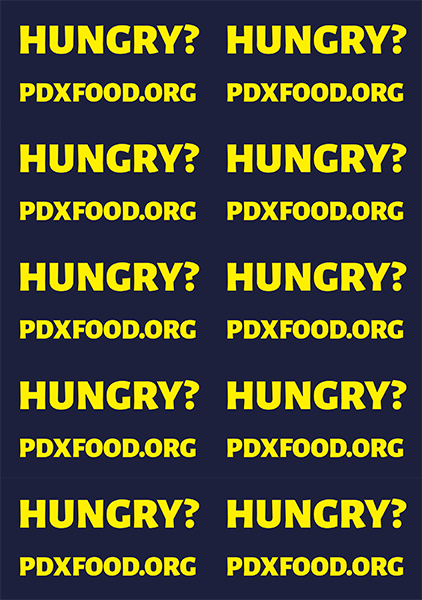
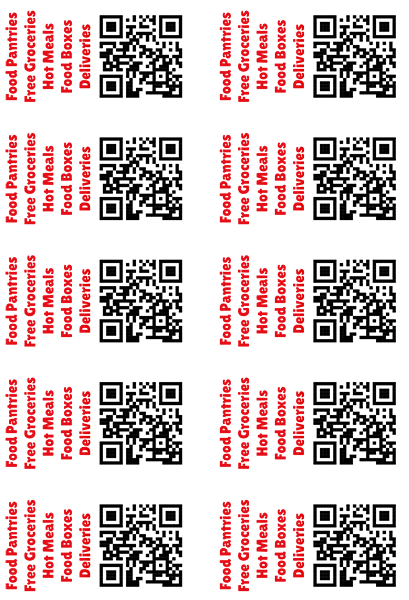
Printing Tips
- Use two-sided printing. Select to flip on long-edge so the front and back line up correctly.
- Match paper settings. Choose the exact paper type or thickness you are using to avoid smears.
- Do a test sheet. Print on regular paper first, hold it up to the light, and confirm the sides align.
Share the Word
- Leave at community centers, free fridges, libraries, or meal sites so visitors can look up schedules later.
- Include a card when emailing or texting with others. Snap a photo of the preview and attach the PDF.
- Bring a small stack to tabling events or neighborhood meetings so people can bookmark the site offline.
If you notice outdated details while you’re out delivering cards, email info@pdxfood.org so we can update the map quickly.